
Amazon FBA ROI and Payback: How to Know When Inventory Is Worth Reordering
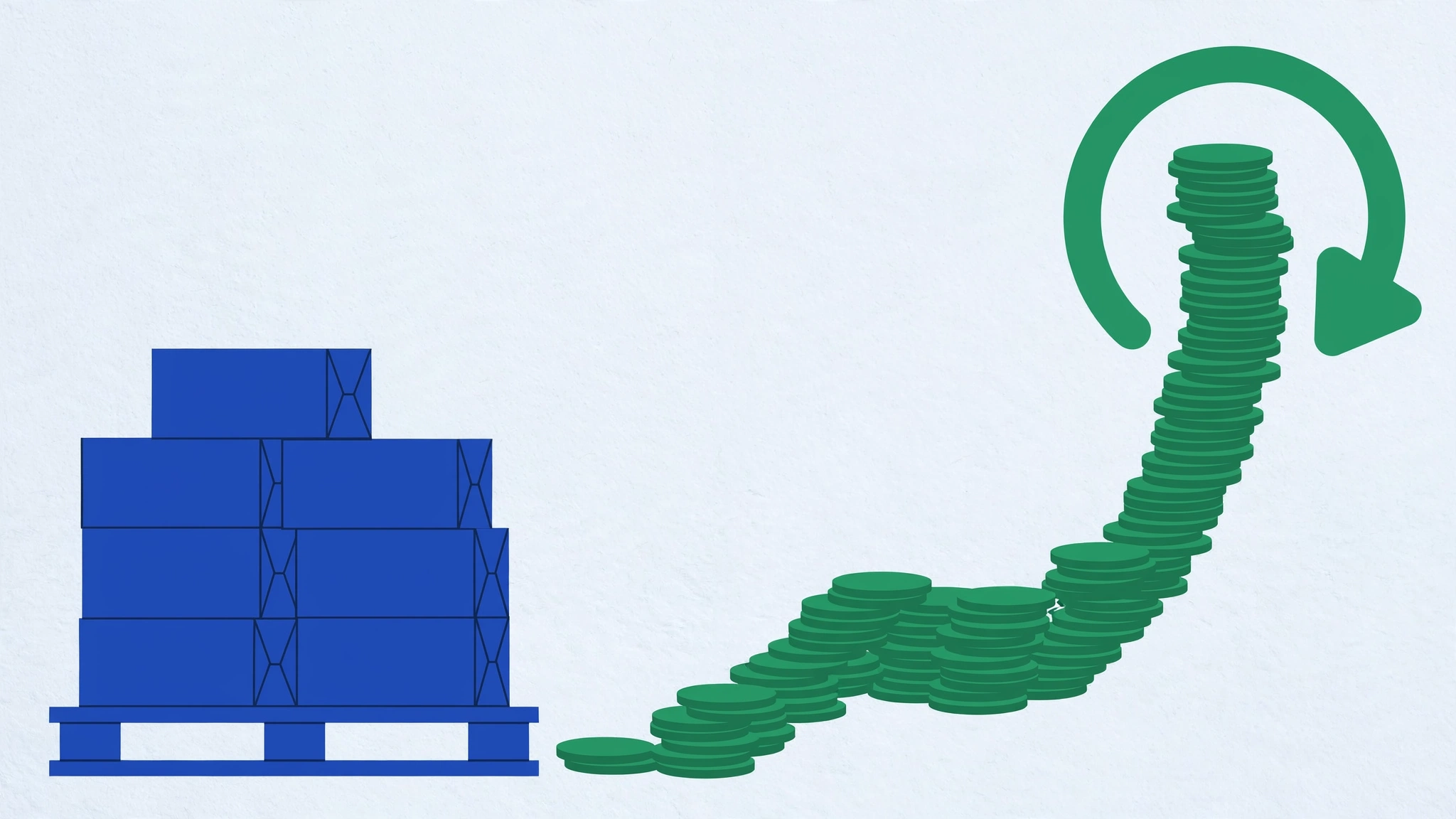
The restock email arrives while last month's inventory is still sitting in FBA. You can place another purchase order tonight, or you can wait. The listing still sells. The dashboard still looks busy. The decision is whether the cash already tied in that SKU is coming back fast enough to fund the next order.
A product is worth reordering when contribution after realistic costs stays positive and the inventory cash you would commit comes back on a payback timeline you can fund. That timeline has to survive advertising, returns, slow sell-through, and period overhead. There is no official Amazon ROI target. Results depend on marketplace, product, inventory cycle, returns, ads, and the assumptions you enter. As of September 17, 2026, confirm current selling-plan, referral, fulfillment, and storage terms in Seller Central and Fee Preview for the ASIN. The Amazon ROI Calculator is an editable planning model. It is not Amazon's official rate-card engine. Start from the Amazon seller hub when you need the rest of the tool cluster.
Dated US selling-fee context from Amazon's public pricing pages on September 17, 2026: the Individual plan is $0.99 per item sold, and the Professional plan is $39.99 per month. Referral fees vary by category as a percentage of the total price or a minimum, whichever is greater. FBA is an added program. Amazon stores inventory, picks, packs, ships, and handles customer service and returns. Monthly storage is based primarily on cubic volume and can change by size category and season. Aged-inventory surcharges can apply to units that remain in fulfillment centers for 181 days or longer. Amazon's own Revenue Calculator produces estimates only.
Profit, margin, ROI, and payback answer different questions
Profit is the dollars left after costs. For a period, that is revenue minus variable costs, advertising, and the overhead you assign to those months.
Margin is profit as a share of revenue. It tells you how much of each sales dollar you keep. A healthy margin can still be a weak reorder if you have to buy a large batch to earn it.
ROI compares profit with the cash you put at risk. In this workflow, the investment base is initial inventory investment plus advertising and period fixed costs. It answers whether the capital in this SKU is earning enough to justify another purchase order.
Payback is time. Divide initial inventory cash by the period's monthly profit rate. You only get a finite payback when monthly profit is positive. A SKU can show profit and still be a poor reorder if payback stretches past your cash runway, supplier lead time, or the window before aged-inventory charges start to matter.
Use profit when you need take-home dollars. Use margin when you are judging price. Use ROI and payback when you are about to tie more cash in stock.
Define the investment base the same way every time
Keep the methodology consistent across SKUs and periods so the reorder comparison is honest.
Revenue equals selling price times units sold in the period.
Variable costs equal product cost per unit, plus Amazon fees per unit, plus shipping and prep per unit, multiplied by units sold. Amazon fees per unit are the combined referral and FBA (or FBM) amount that actually applied, taken from Fee Preview or settlement data. Shipping and prep covers inbound to FBA, labeling, and packaging that sits on the unit.
Fixed and ads equal advertising spend for the same period, plus monthly fixed costs times months in the period. Monthly fixed costs include the Professional selling plan, software, and VA time you would still pay if this SKU sold nothing that month. Do not fold those subscriptions into the per-unit cost. Per-unit costs stay product, marketplace and fulfillment fees, inbound, and prep.
Net profit equals revenue minus variable costs minus fixed and ads.
The investment base for ROI equals initial inventory investment plus fixed and ads. Do not add per-unit product cost into the denominator a second time. Initial inventory investment is the cash committed to the opening or reorder batch. Product cost per unit is the cost assigned to units that sold during the period. They can overlap on a first order. Keeping them separate lets you see cash still sitting in unsold stock and the operating result for units that sold.
ROI percent equals net profit divided by the investment base. Profit per unit equals net profit divided by units sold. Payback months equal initial inventory investment divided by the monthly profit rate (net profit divided by months), only when monthly profit is positive. If monthly profit is zero or negative, the inventory has no finite payback under those assumptions.
This is the same structure the Amazon ROI Calculator uses. Pair it with the Amazon Profit Calculator when you need a take-home view, and with the Amazon FBA Calculator when you need to rebuild the per-unit fee and landed-cost stack.
Ads, returns, slow stock, stockouts, and price cuts change the gate
Advertising can raise units sold and still cut ROI. Ad spend sits in the period's fixed-and-ads bucket. If spend rises and volume stays flat, net profit falls, ROI falls, and payback stretches. Include PPC and promotions for the same window as the units you count.
Returns reduce realized units and add refund administration, restocking, and unsellable inventory. Model a reserve before you treat last month's sell-through as the next purchase order's velocity. For the reserve method, use the Amazon FBA returns guide.
Slow inventory is a cash problem before it is a fee problem. Units that sit continue to hold your purchase-order cash. They can also pick up monthly storage and, after 181 days in the US fulfillment network, aged-inventory surcharge. A product with a decent per-unit contribution can fail the reorder gate if the batch will not turn before those charges start to matter. The 2026 FBA fee audit covers the fee stack. This article asks how long your cash stays inside that stack.
Stockouts cut the other way. If you under-order, you can miss sales and stretch the calendar you use for monthly profit. The reorder question is not more units at any cost. It is whether the next batch's cash comes back before you need it again, without creating a pile that ages.
Price cuts raise velocity and compress contribution. A 10% list-price cut is not a 10% profit cut. Referral fees, ads, and returns still sit on the order. Stress-test the new price in the same ROI model before you buy more units to defend the listing.
A seven-step workflow before you send the purchase order
- Gather real period data. Pull units sold, net proceeds, refunds, and ad spend from Seller Central. Pull product cost, inbound freight, and prep from supplier invoices. Record the cash you would send on the next purchase order as initial inventory investment.
- Calculate net profit for that period using the formulas above.
- Calculate ROI against the investment base: inventory cash plus ads and period fixed costs.
- Calculate payback months from the monthly profit rate.
- Stress-test slower sales, higher ads, a returns reserve, and a price cut. If the gate only passes on the optimistic case, do not scale the order.
- Compare with cash and inventory risk: lead time (production, transit, customs, Amazon receiving), cash runway, and how close current stock is to 181 days.
- Choose one action: reorder, hold, reprice, or stop. A smaller purchase order is a hold with a limited restock, not a scale decision.
If you still need a monthly channel view after fees, returns, and ads, use the Amazon FBA Revenue Calculator. If contribution is thin and you need units to cover overhead, use the Amazon Break-Even Calculator. Those are different questions from inventory payback.
Illustrative example: a $4,500 reorder (planning only)
This is a labeled planning example. The fee figures are assumptions, not official Amazon rates.
Next purchase order cash: $4,500. Product cost: $9.00 per unit. Combined Amazon fees: $8.75 per unit (referral plus FBA, planning figure). Inbound and prep: $1.25 per unit. Selling price: $29.99. Expected units sold in 3 months: 420. Advertising spend: $900. Monthly fixed costs: $80 (a share of the Professional plan and tools). Period: 3 months.
Revenue: $29.99 times 420 equals $12,595.80. Variable cost per unit: $9.00 + $8.75 + $1.25 equals $19.00. Variable total: $19.00 times 420 equals $7,980. Fixed and ads: $900 + ($80 times 3) equals $1,140. Net profit: $12,595.80 minus $7,980 minus $1,140 equals $3,475.80.
ROI base: $4,500 + $1,140 equals $5,640. ROI: $3,475.80 divided by $5,640 equals 61.6%. Profit per unit: $3,475.80 divided by 420 equals $8.28. Monthly profit: $3,475.80 divided by 3 equals $1,158.60. Payback: $4,500 divided by $1,158.60 equals 3.9 months to recover the $4,500 inventory cash.
On these assumptions, contribution is positive and payback sits inside a typical overseas lead-time window. That is not a green light by itself. You still have leftover units if you ordered 500 and sold 420, and you still have to stress-test.
Stress test: higher ads and slower sales
Ads $1,800. Units sold 300. Same price and per-unit costs.
Revenue: $29.99 times 300 equals $8,997. Variable: $19.00 times 300 equals $5,700. Fixed and ads: $1,800 + $240 equals $2,040. Net profit: $8,997 minus $5,700 minus $2,040 equals $1,257.
ROI base: $4,500 + $2,040 equals $6,540. ROI: $1,257 divided by $6,540 equals 19.2%. Monthly profit: $1,257 divided by 3 equals $419. Payback: $4,500 divided by $419 equals 10.7 months.
If the purchase order was 500 units, 200 remain unsold at month three. Those units still hold cash and can age into surcharge territory. Decision under this stress case: do not scale the purchase order. Hold, cut the order quantity, or fix ads and price before more inventory cash goes in. Run the same inputs in the Amazon ROI Calculator so the methodology stays visible.
Reorder scorecard
Treat these as gates, not a public grade and not an Amazon rule.
- Contribution after realistic costs (product, fees, inbound, prep, ads, returns reserve) is positive.
- ROI meets the return you require for this capital and this risk. There is no official Amazon percentage.
- Payback fits your cash runway and the supplier-plus-Amazon lead time.
- Expected sell-through does not park a large share of the batch past 181 days.
- Advertising is not consuming the contribution that funds payback.
- Returns are reserved, not ignored.
- Stockout risk is weighed against overstock risk, with a smaller purchase order as an option.
- Professional plan and tools stay in period overhead, not jammed into every unit.
If the SKU clears the gates on base and stress cases, reorder. If it clears only the optimistic case, hold or reprice. If contribution is negative or payback has no finite number, stop.
Common mistakes
- Treating Seller Central sales as profit.
- Using revenue as the ROI denominator instead of inventory cash plus period ads and overhead.
- Stuffing monthly subscriptions into every unit, which hides how overhead behaves when volume changes.
- Ignoring leftover stock when you quote ROI on units sold only.
- Comparing two SKUs with different period lengths.
- Reordering because the listing sells, without checking payback.
- Assuming Amazon publishes a required inventory ROI. It does not.
FAQs
What is a good Amazon FBA ROI?
There is no universal target. Compare the result with your cost of capital, inventory risk, cash availability, and reorder lead time. Use the same period and cost assumptions across products.
How is ROI different from profit and margin?
Profit is dollars left. Margin is profit as a share of revenue. ROI is profit as a share of the cash you committed. Payback converts that profit into months to recover inventory cash.
How should I enter Amazon fees?
Enter the combined referral and FBA or FBM amount per unit from Fee Preview or settlements. Rebuild the stack in the Amazon FBA Calculator when you need fulfillment and landed-cost detail. Verify current charges in Seller Central.
How do ads change payback?
Ad spend raises the period cost stack. If sales do not rise enough to replace that spend, net profit falls and payback lengthens.
What if payback is longer than lead time?
The next shipment can arrive before the last one has returned its cash. That compounds inventory investment. Shrink the purchase order, extend the review cycle, or fix contribution before you reorder.
Does Amazon publish an official inventory ROI?
No. Amazon publishes selling-plan fees, referral rules, FBA program charges, and estimate tools such as the Revenue Calculator. Inventory ROI and payback are seller calculations.
Run the numbers before the next purchase order
Reordering is a capital decision. Positive sales do not settle it. Positive contribution, a defined investment base, and a payback you can fund do. Put this SKU through the Amazon ROI Calculator with your real period data, then stress-test ads, returns, and a slower month. Use the Amazon Profit Calculator for take-home dollars, the Amazon FBA Calculator for the per-unit stack, the Amazon Break-Even Calculator when overhead coverage is the question, and the Amazon FBA Revenue Calculator for a monthly channel view. Confirm every fee assumption in Seller Central before the purchase order goes out.